
Troubleshooting
How to troubleshoot DTF humidity problems
On this page
Short answer
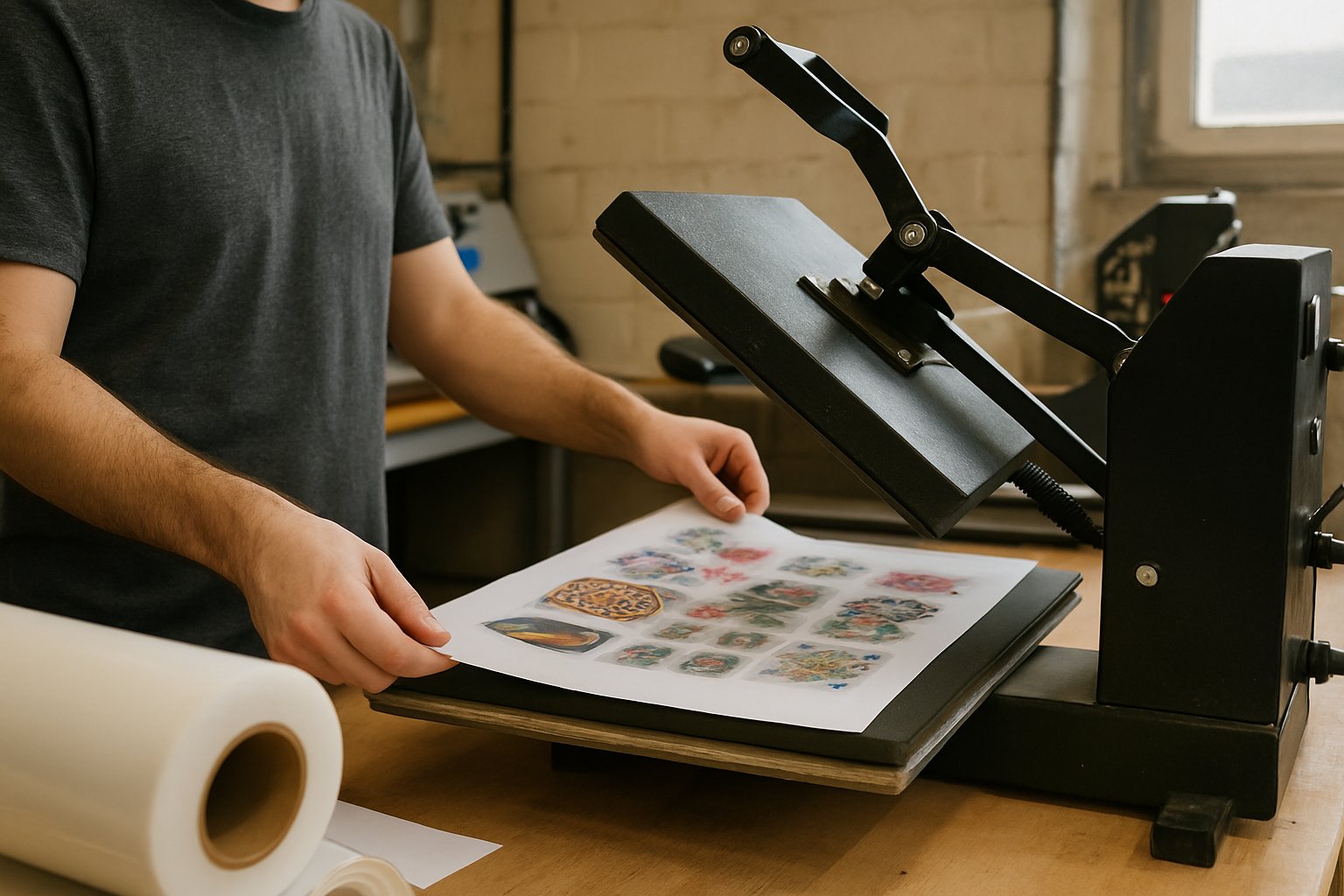
Start a DTF humidity investigation by measuring the environment where the printer and materials actually sit. Compare those readings with the printer manual and the film, ink, and powder instructions. There is no single room setting in this guide that applies to every DTF system.
Do not diagnose humidity from a failed transfer alone. Save the affected sample, record when it was made, and check what else changed. The aim is to isolate a cause without creating another problem by adjusting several settings together.
Use the correct equipment requirements
Epson's SureColor G6070 setup guide gives a recommended humidity range of 40–60% without condensation for that model. It also says media conditions can matter even when the listed room conditions are met, and advises placement away from direct sunlight, heat, and air currents. This is model-specific guidance, not a universal DTF specification. Epson setup guide.
Find the corresponding instructions for your own printer. Confirm the exact model and document revision. A guide for a similarly named printer using a different process is not a safe substitute.
Collect material instructions separately. Printer operating requirements and consumable storage requirements may describe different conditions. Do not assume that keeping the room suitable for the printer automatically proves that every open material container has been stored correctly.
Build a timeline before making adjustments
Write down the first affected job and the last known-good job. Compare their file, print mode, material batch, operator actions, and environmental readings. Include changes in heating, cooling, ventilation, deliveries, or where materials were stored.
Record observations rather than a diagnosis. Write powder formed clumps in the container or fine lines were missing on the nozzle check, rather than humidity ruined the job. The first wording leaves room to investigate; the second can steer everyone toward an unproven answer.
Keep rejected samples where they will not be confused with saleable output. Identify the associated job and material lot. A support technician can use that record more effectively than a description made from memory after the materials have been discarded.
Measure at the work area
A room display across the shop may not represent the area beside the printer, near a door, or next to stored film. Place a suitable temperature and humidity monitor where it can reflect the operating area without obstructing equipment or being exposed directly to a heater or mist.
Follow the monitor manufacturer's placement and checking instructions. If a reading looks implausible, compare it with another suitable instrument before making a major environmental change. Do not assume a low-cost display is accurate because it shows precise digits.
Record both temperature and relative humidity. Use the same locations and note when readings were taken. A single observation after the failure does not prove the conditions that existed while the job was printed.

Inspect storage without opening everything
Check whether film, powder, and other consumables remained in the packaging specified by their suppliers. Look for damaged seals, mixed batches, unmarked containers, and material left exposed near the production line.
Keep unused material protected as directed. Do not transfer powder into an unapproved container simply because it is easier to scoop. Preserve batch information and any storage instructions that came with the product.
If materials arrive from a different environment, follow the supplier's conditioning instructions before use. This guide does not prescribe a waiting period because the correct procedure depends on the material and conditions. Ask the supplier when its documentation is unclear.
Do not improvise drying with an oven, heat press, or open heater. A material that appears dry afterward has not necessarily returned to its intended condition. Obtain a supplier-approved recovery or disposal instruction for suspect consumables.
Separate the stages of the defect
Inspect the job before and after each relevant stage. A problem visible on the film before application calls for a different investigation from a problem that appears only after pressing onto a garment.
| Observation | Useful next check | What it does not prove |
|---|---|---|
| The printer's check pattern is abnormal | Follow the printer's diagnostic procedure | That room humidity is the sole cause |
| Powder behaves differently from the retained batch | Review storage and supplier instructions | That extra heat is the right fix |
| Only a new artwork file fails | Compare source and RIP settings | That all materials are defective |
| The transfer looks acceptable before pressing | Review application instructions and garment setup | That the printer environment is irrelevant |
Keep these as investigation paths, not a symptom-to-cause chart. Different problems can produce similar visible results. Ask the responsible supplier for help when the evidence points beyond routine operator checks.
Run a controlled comparison
Choose a known-good artwork file and the established production settings. Record the current environment and material identity. Change only the factor you are trying to investigate, while keeping the rest of the process stable.
For example, compare suspect stored film with an approved replacement batch under otherwise consistent conditions. Label this as a shop trial, not proof about every product of that type. If you also change ink settings, powder, and press conditions, the result will not identify which change mattered.
Set a stop condition before the trial. If the printer shows a fault or the material behaves outside its supplier's instructions, stop and seek support. Do not keep producing customer work while hoping the next adjustment will hide the defect.
Correct the environment deliberately
When readings fall outside documented requirements, address the room condition and its cause. Review equipment placement, uncontrolled drafts, and nearby heat sources. Choose environmental equipment appropriate for the workspace and maintain it according to its instructions.
Keep moisture delivery away from electrical equipment and exposed consumables. Do not direct mist at the printer. Avoid treating the room display as a target to reach as quickly as possible; the goal is a stable, suitable operating environment.
Also preserve the ventilation required by your equipment and material documentation. Closing extraction or blocking airflow to improve a humidity reading can create a different operating problem. If the requirements conflict, ask the equipment supplier or a qualified facilities specialist to review the setup.
Resume work with evidence
After correcting a documented issue, follow the printer's normal restart or diagnostic procedure and run an appropriate sample. Confirm the output through the normal finishing and application stages before releasing the held customer jobs.
Record the action taken, the new readings, and the sample result. If the defect remains, keep the environmental evidence and investigate the next likely stage. Do not erase the original notes simply because humidity was not the final explanation.
Use the glossary to keep terms consistent in internal notes. A clear distinction between printing, curing, and garment application helps suppliers understand exactly where the problem appears.
Turn the incident into a simple routine
Keep the relevant manuals and consumable instructions near the work instructions. Assign responsibility for readings, storage checks, and reporting unusual conditions. The routine should be brief enough to survive a busy shift.
Review environmental records alongside failures rather than in isolation. A recurring pattern may justify a better monitor or room-control change. An isolated defect with normal readings may call for a different investigation.
Do not publish a shop-wide humidity rule based on an unrecorded successful day. Preserve the documented requirements and the evidence behind any added internal limit. That makes future changes easier to assess when equipment or materials change.
Frequently asked questions
What humidity should a DTF shop use?
Can humidity cause every adhesion problem?
Can I dry damp powder myself?
Should I change press settings when the room is damp?
Sources
- SureColor G6070 Setup Guide (opens in new tab), accessed 19 Oct 2026
Written by
DTF Gang Sheet Tools editorial team
Site pages